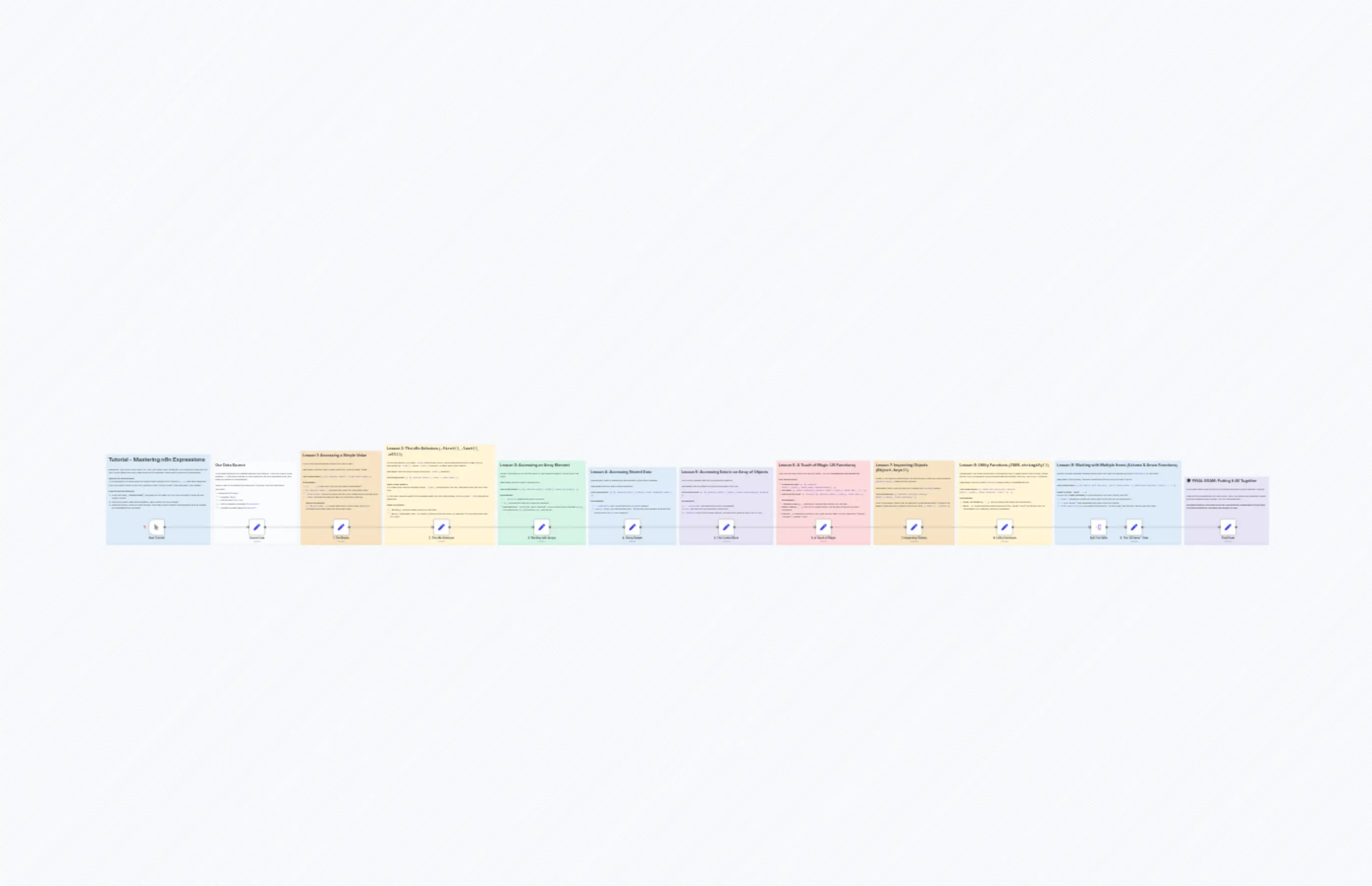
Tutorial - n8n Expressions
Description
Categories
🤖 AI & Machine Learning
Nodes Used
n8n-nodes-base.setn8n-nodes-base.setn8n-nodes-base.setn8n-nodes-base.setn8n-nodes-base.setn8n-nodes-base.setn8n-nodes-base.setn8n-nodes-base.setn8n-nodes-base.setn8n-nodes-base.set
PriceFree
Views0
Last Updated11/28/2025
workflow.json
{
"meta": {
"instanceId": "e409ea34548a2afe2dffba31130cd1cf2e98ebe2afaeed2a63caf2a0582d1da0"
},
"nodes": [
{
"id": "8d116e01-e52f-4a6b-85e4-bdbeb980f9f9",
"name": "Start Tutorial",
"type": "n8n-nodes-base.manualTrigger",
"position": [
-700,
300
],
"parameters": {},
"typeVersion": 1
},
{
"id": "67db85ae-7f2e-4823-867e-44709a01f6f3",
"name": "Sticky Note",
"type": "n8n-nodes-base.stickyNote",
"position": [
-960,
-100
],
"parameters": {
"color": 5,
"width": 640,
"height": 560,
"content": "# Tutorial - Mastering n8n Expressions\n\nWelcome! You know what JSON is. Now, let's learn how to **use it**. This workflow teaches you how to pull data from one node and use it in another using n8n's powerful expressions.\n\n**What is an Expression?**\nAn expression is a small piece of code inside double curly braces `{{ }}` that gets replaced with a dynamic value when the workflow runs. It's the \"glue\" that connects your nodes.\n\n**How to use this tutorial:**\n1. The first node, **\"Source Data\"**, contains all the data we will use. Execute it once to see what's inside.\n2. Follow the path from top to bottom. Each node is a new lesson.\n3. Read the sticky note for each lesson, then look at the node's configuration and its output to understand the concept."
},
"typeVersion": 1
},
{
"id": "d0e948fc-e924-4fbd-b7a3-caee971d16cf",
"name": "Source Data",
"type": "n8n-nodes-base.set",
"position": [
-80,
300
],
"parameters": {
"options": {},
"assignments": {
"assignments": [
{
"id": "12345",
"name": "name",
"type": "string",
"value": "Alice"
},
{
"id": "67890",
"name": "age",
"type": "number",
"value": 30
},
{
"id": "abcde",
"name": "is_active",
"type": "boolean",
"value": true
},
{
"id": "fghij",
"name": "skills",
"type": "array",
"value": "[\"JavaScript\",\"Python\",\"n8n\"]"
},
{
"id": "klmno",
"name": "projects",
"type": "array",
"value": "[{\"name\":\"Project A\",\"status\":\"Done\"},{\"name\":\"Project B\",\"status\":\"In Progress\"}]"
},
{
"id": "pqrst",
"name": "contact",
"type": "object",
"value": "{\"email\":\"[email protected]\",\"phone\":null}"
}
]
}
},
"typeVersion": 3.4
},
{
"id": "c940a0b9-8982-4d61-b434-ca6f7ff46bc9",
"name": "Sticky Note1",
"type": "n8n-nodes-base.stickyNote",
"position": [
-300,
-60
],
"parameters": {
"color": 7,
"width": 520,
"height": 520,
"content": "## Our Data Source\n\nThis node holds all the sample data for our tutorial. Think of it as a filing cabinet. All the other nodes will be reaching into this cabinet to pull out specific pieces of information.\n\nTake a look at its output to familiarize yourself with the structure.\nWe have:\n- Simple text (`name`)\n- A number (`age`)\n- A list of skills (`skills`)\n- A list of complex projects (`projects`)\n- A nested contact object (`contact`)"
},
"typeVersion": 1
},
{
"id": "dcf9916f-a260-40fa-9503-2f9e5041b666",
"name": "1. The Basics",
"type": "n8n-nodes-base.set",
"position": [
440,
300
],
"parameters": {
"options": {},
"assignments": {
"assignments": [
{
"id": "12345",
"name": "user_name",
"type": "string",
"value": "={{ $('Source Data').item.json.name }}"
}
]
}
},
"typeVersion": 3.4
},
{
"id": "45b5e6a7-b588-4859-86e1-a6a73b67d837",
"name": "Sticky Note2",
"type": "n8n-nodes-base.stickyNote",
"position": [
240,
-120
],
"parameters": {
"color": 2,
"width": 500,
"height": 580,
"content": "## Lesson 1: Accessing a Simple Value\n\nThis is the most common thing you'll do in n8n.\n\n**The Goal:** Get the user's name from the \"Source Data\" node.\n\n**The Expression:** `{{ $('Source Data').item.json.name }}`\n\n**Breakdown:**\n- `{{ ... }}`: Tells n8n \"this is a dynamic expression\".\n- `$('Source Data')`: Selects the node we want data from.\n- `.item.json`: Narrows it down to the JSON data of the current item.\n- `.name`: Selects the specific **key** we want the value of.\n\n**Other Possibility:**\n`{{ $json.name }}` would also work in this case, as `$json` accesses the data from the previous node."
},
"typeVersion": 1
},
{
"id": "10c04c66-e07c-4ee5-8b2b-6d4de7c31c9f",
"name": "3. Working with Arrays",
"type": "n8n-nodes-base.set",
"position": [
1680,
300
],
"parameters": {
"options": {},
"assignments": {
"assignments": [
{
"id": "12345",
"name": "second_skill",
"type": "string",
"value": "={{ $('Source Data').last().json.skills[1] }}"
}
]
}
},
"typeVersion": 3.4
},
{
"id": "c4d1f2e2-bd7f-4c96-863d-45cc473d05a6",
"name": "Sticky Note3",
"type": "n8n-nodes-base.stickyNote",
"position": [
1460,
-60
],
"parameters": {
"color": 4,
"width": 540,
"height": 520,
"content": "## Lesson 3: Accessing an Array Element\n\nWhat if the data is in a list (an array)? You need to specify *which* item you want.\n\n**The Goal:** Get the user's *second* skill.\n\n**The Expression:** `{{ $('Source Data').last().json.skills[1] }}`\n\n**Breakdown:**\n- `...skills`: Selects the array of skills.\n- `[1]`: Selects the item at a specific position.\n- **IMPORTANT:** Arrays are \"zero-indexed\", which means the first item is `[0]`, the second is `[1]`, the third is `[2]`, and so on."
},
"typeVersion": 1
},
{
"id": "4b112b69-d29d-4963-9ee2-fe434bcbb2f7",
"name": "4. Going Deeper",
"type": "n8n-nodes-base.set",
"position": [
2240,
300
],
"parameters": {
"options": {},
"assignments": {
"assignments": [
{
"id": "12345",
"name": "user_email",
"type": "string",
"value": "={{ $('Source Data').last().json.contact.email }}"
}
]
}
},
"typeVersion": 3.4
},
{
"id": "f157c7e6-ce9b-4049-a8b3-d309eec3048b",
"name": "Sticky Note4",
"type": "n8n-nodes-base.stickyNote",
"position": [
2020,
-20
],
"parameters": {
"color": 5,
"width": 540,
"height": 480,
"content": "## Lesson 4: Accessing Nested Data\n\nSometimes, data is organized into objects within other objects.\n\n**The Goal:** Get the user's email address.\n\n**The Expression:** `{{ $('Source Data').last().json.contact.email }}`\n\n**Breakdown:**\n- `...contact`: First, we access the `contact` object.\n- `.email`: Then, we use another dot `.` to go one level deeper and get the value of the `email` key inside it."
},
"typeVersion": 1
},
{
"id": "ce9265d7-9bab-45d2-8fec-e50bc11c9760",
"name": "5. The Combo Move",
"type": "n8n-nodes-base.set",
"position": [
2820,
300
],
"parameters": {
"options": {},
"assignments": {
"assignments": [
{
"id": "12345",
"name": "first_project_status",
"type": "string",
"value": "={{ $('Source Data').last().json.projects[0].status }}"
}
]
}
},
"typeVersion": 3.4
},
{
"id": "8e612af5-7404-49b8-b908-44467b4f257a",
"name": "Sticky Note5",
"type": "n8n-nodes-base.stickyNote",
"position": [
2580,
-20
],
"parameters": {
"color": 6,
"width": 580,
"height": 480,
"content": "## Lesson 5: Accessing Data in an Array of Objects\n\nThis is the ultimate test of the previous lessons!\n\n**The Goal:** Get the *status* of the *first* project in the list.\n\n**The Expression:** `{{ $('Source Data').last().json.projects[0].status }}`\n\n**Breakdown:**\n1. `...projects`: We select the array of projects.\n2. `[0]`: We pick the first object in that array.\n3. `.status`: From that chosen object, we grab the value of the `status` key."
},
"typeVersion": 1
},
{
"id": "21ee04f0-1465-4166-bca9-e1b3a9dd21f6",
"name": "6. A Touch of Magic",
"type": "n8n-nodes-base.set",
"position": [
3420,
300
],
"parameters": {
"options": {},
"assignments": {
"assignments": [
{
"id": "12345",
"name": "name_in_caps",
"type": "string",
"value": "={{ $('Source Data').last().json.name.toUpperCase() }}"
},
{
"id": "67890",
"name": "age_in_dog_years",
"type": "number",
"value": "={{ Math.round($('Source Data').last().json.age / 7) }}"
},
{
"id": "abcde",
"name": "age_data_type",
"type": "string",
"value": "={{ typeof $('Source Data').last().json.age }}"
}
]
}
},
"typeVersion": 3.4
},
{
"id": "6d307691-2789-467a-b005-5fb92b821a9b",
"name": "Sticky Note6",
"type": "n8n-nodes-base.stickyNote",
"position": [
3180,
-60
],
"parameters": {
"color": 3,
"width": 580,
"height": 520,
"content": "## Lesson 6: A Touch of Magic (JS Functions)\n\nYou can do more than just retrieve data; you can **manipulate and inspect it!**\n\n**The Expressions:**\n- **Transform Text:** `{{ $('Source Data').last().json.name.toUpperCase() }}`\n- **Do Math:** `{{ Math.round($('Source Data').last().json.age / 7) }}`\n- **Check Data Type:** `{{ typeof $('Source Data').last().json.age }}`\n\n**Breakdown:**\n- **`.toUpperCase()`**: A standard JavaScript function for strings.\n- **`Math.round(...)`**: The `Math` object gives you access to powerful math functions.\n- **`typeof`**: An operator that tells you what kind of data you're looking at (\"string\", \"number\", \"object\", etc.)."
},
"typeVersion": 1
},
{
"id": "14e8aec7-6681-49a9-a9fc-df14f2af2800",
"name": "9. The \"All Items\" View",
"type": "n8n-nodes-base.set",
"position": [
5340,
300
],
"parameters": {
"options": {},
"assignments": {
"assignments": [
{
"id": "12345",
"name": "all_skills_string",
"type": "string",
"value": "={{ $('Split Out Skills').all().map(item => item.json.skills).join(', ') }}"
}
]
}
},
"executeOnce": true,
"typeVersion": 3.4
},
{
"id": "df1f2512-f89b-4602-973c-20bd5c9257a7",
"name": "Sticky Note7",
"type": "n8n-nodes-base.stickyNote",
"position": [
4900,
-60
],
"parameters": {
"color": 5,
"width": 780,
"height": 520,
"content": "## Lesson 9: Working with Multiple Items (`$items` & Arrow Functions)\n\nWhat if a node outputs *multiple* items and you want to summarize them? `$items()` is your tool.\n\n**The Goal:** Get a single, comma-separated string of all the user's skills.\n\n**The Expression:** `{{ $('Split Out Skills').all().map(item `=>` item.json.skills).join(', ') }}`\n\n**What is `item => ...`?**\nThis is an **Arrow Function**, a shorthand for \"for each thing, do this\".\n- `item`: A temporary name for each item in the list as we loop over it.\n- =>: The \"arrow\" that separates the item from the action.\n- `item.json.skills`: The action to perform—in this case, get the skill value from the item."
},
"typeVersion": 1
},
{
"id": "238fc0f7-1616-4fb0-8368-3eae3dcaa61b",
"name": "Final Exam",
"type": "n8n-nodes-base.set",
"position": [
5920,
300
],
"parameters": {
"options": {},
"assignments": {
"assignments": [
{
"id": "12345",
"name": "final_summary",
"type": "string",
"value": "=User {{ $('2. The n8n Selectors').last().json.user_name_from_first }} is {{ $('Source Data').last().json.age }}.\n\nTheir best skill is {{ $('3. Working with Arrays').last().json.second_skill }}.\n\nTheir first project was {{ $('Source Data').last().json.projects[0].name }}, which is now {{ $('5. The Combo Move').last().json.first_project_status }}.\n\nAll skills: {{ $('9. The \"All Items\" View').last().json.all_skills_string }}."
}
]
}
},
"typeVersion": 3.4
},
{
"id": "2a2763a7-8190-410b-a257-1448de25d2f5",
"name": "Sticky Note8",
"type": "n8n-nodes-base.stickyNote",
"position": [
5700,
40
],
"parameters": {
"color": 6,
"width": 520,
"height": 420,
"content": "## 🎓 FINAL EXAM: Putting It All Together\n\nThis node uses everything we've learned to build a final summary object.\n\nLook at the expressions for each field. They pull data from different nodes and use different techniques you've just practiced.\n\n**Congratulations! You now have the foundational knowledge to link data and build powerful, dynamic workflows in n8n.**"
},
"typeVersion": 1
},
{
"id": "0a3679ae-61cd-4745-b11f-5341a519a820",
"name": "2. The n8n Selectors",
"type": "n8n-nodes-base.set",
"position": [
1060,
300
],
"parameters": {
"options": {},
"assignments": {
"assignments": [
{
"id": "12345",
"name": "user_name_from_first",
"type": "string",
"value": "={{ $('Source Data').last().json.name }}"
}
]
}
},
"typeVersion": 3.4
},
{
"id": "4da0dce4-325c-4e91-af03-11e65f764f61",
"name": "Sticky Note9",
"type": "n8n-nodes-base.stickyNote",
"position": [
760,
-160
],
"parameters": {
"width": 680,
"height": 620,
"content": "## Lesson 2: The n8n Selectors (`.first()`, `.last()`, `.all()`)\n\nIn the last lesson, we used `.item`. When there is only one output item from a node, this is equivalent to `.last()`. Using `.last()` explicitly is often safer and clearer.\n\n**The Goal:** Get the user's name using the `.last()` selector.\n\n**The Expression:** `{{ $('Source Data').last().json.name }}`\n\n**Why is this better?**\nIf a node ever returns multiple items, `.last()` guarantees you only get data from the very last one.\n\nIf you ever need to match the selected data with the input items, this is where `.item` cannot be replaced.\n\n**Other Selectors:**\n- **`.first()`**: Gets the data from the first item.\n- **`.all()`**: Gets data from ALL items, returning it as an array of objects. (This is different from `$items`!)"
},
"typeVersion": 1
},
{
"id": "f1327f83-1163-4879-8caa-06c5b8e2bbaa",
"name": "7. Inspecting Objects",
"type": "n8n-nodes-base.set",
"position": [
3980,
300
],
"parameters": {
"options": {},
"assignments": {
"assignments": [
{
"id": "12345",
"name": "contact_keys",
"type": "array",
"value": "={{ Object.keys($('Source Data').last().json.contact) }}"
}
]
}
},
"typeVersion": 3.4
},
{
"id": "29aad30e-74ed-48ff-b8c4-93cd31d34eea",
"name": "Sticky Note10",
"type": "n8n-nodes-base.stickyNote",
"position": [
3780,
-60
],
"parameters": {
"color": 2,
"width": 500,
"height": 520,
"content": "## Lesson 7: Inspecting Objects (`Object.keys()`)\n\nWhat if you have an object but you don't know what keys are inside it? `Object.keys()` comes to the rescue.\n\n**The Goal:** Get a list of all the keys inside the `contact` object.\n\n**The Expression:** `{{ Object.keys($('Source Data').last().json.contact) }}`\n\nThis is incredibly useful for dynamically processing data. It returns an **array** containing the names of the keys (e.g., `[\"email\", \"phone\"]`)."
},
"typeVersion": 1
},
{
"id": "11b91408-ab82-4d5e-9dc8-4b9d54e0a60f",
"name": "8. Utility Functions",
"type": "n8n-nodes-base.set",
"position": [
4540,
300
],
"parameters": {
"options": {},
"assignments": {
"assignments": [
{
"id": "12345",
"name": "contact_as_string",
"type": "string",
"value": "={{ JSON.stringify($('Source Data').last().json.contact, null, 2) }}"
},
{
"id": "06003b65-7482-4d5a-b2c0-1794859ab461",
"name": "skills",
"type": "array",
"value": "={{ $('Source Data').last().json.skills }}"
}
]
}
},
"typeVersion": 3.4
},
{
"id": "a0a39b92-f42e-4bb9-a601-bbc1fa5589b7",
"name": "Sticky Note11",
"type": "n8n-nodes-base.stickyNote",
"position": [
4300,
-60
],
"parameters": {
"width": 580,
"height": 520,
"content": "## Lesson 8: Utility Functions (`JSON.stringify()`)\n\nSometimes you need to convert a structured JSON object back into a clean, single string. This is common when sending data to another service, like in an AI prompt.\n\n**The Goal:** Turn the entire `contact` object into a formatted string.\n\n**The Expression:** `{{ JSON.stringify($('Source Data').last().json.contact, null, 2) }}`\n\n**Breakdown:**\n- **`JSON.stringify(...)`**: The function that does the conversion.\n- **`null, 2`**: These optional parameters tell it to \"pretty-print\" the string with an indentation of 2 spaces, making it readable."
},
"typeVersion": 1
},
{
"id": "90c7d692-e2b8-4a89-8acb-138f9db1f316",
"name": "Split Out Skills",
"type": "n8n-nodes-base.splitOut",
"position": [
5120,
300
],
"parameters": {
"include": "allOtherFields",
"options": {},
"fieldToSplitOut": "skills"
},
"typeVersion": 1
}
],
"pinData": {},
"connections": {
"Source Data": {
"main": [
[
{
"node": "1. The Basics",
"type": "main",
"index": 0
}
]
]
},
"1. The Basics": {
"main": [
[
{
"node": "2. The n8n Selectors",
"type": "main",
"index": 0
}
]
]
},
"Start Tutorial": {
"main": [
[
{
"node": "Source Data",
"type": "main",
"index": 0
}
]
]
},
"4. Going Deeper": {
"main": [
[
{
"node": "5. The Combo Move",
"type": "main",
"index": 0
}
]
]
},
"Split Out Skills": {
"main": [
[
{
"node": "9. The \"All Items\" View",
"type": "main",
"index": 0
}
]
]
},
"5. The Combo Move": {
"main": [
[
{
"node": "6. A Touch of Magic",
"type": "main",
"index": 0
}
]
]
},
"6. A Touch of Magic": {
"main": [
[
{
"node": "7. Inspecting Objects",
"type": "main",
"index": 0
}
]
]
},
"2. The n8n Selectors": {
"main": [
[
{
"node": "3. Working with Arrays",
"type": "main",
"index": 0
}
]
]
},
"8. Utility Functions": {
"main": [
[
{
"node": "Split Out Skills",
"type": "main",
"index": 0
}
]
]
},
"7. Inspecting Objects": {
"main": [
[
{
"node": "8. Utility Functions",
"type": "main",
"index": 0
}
]
]
},
"3. Working with Arrays": {
"main": [
[
{
"node": "4. Going Deeper",
"type": "main",
"index": 0
}
]
]
},
"9. The \"All Items\" View": {
"main": [
[
{
"node": "Final Exam",
"type": "main",
"index": 0
}
]
]
}
}
}